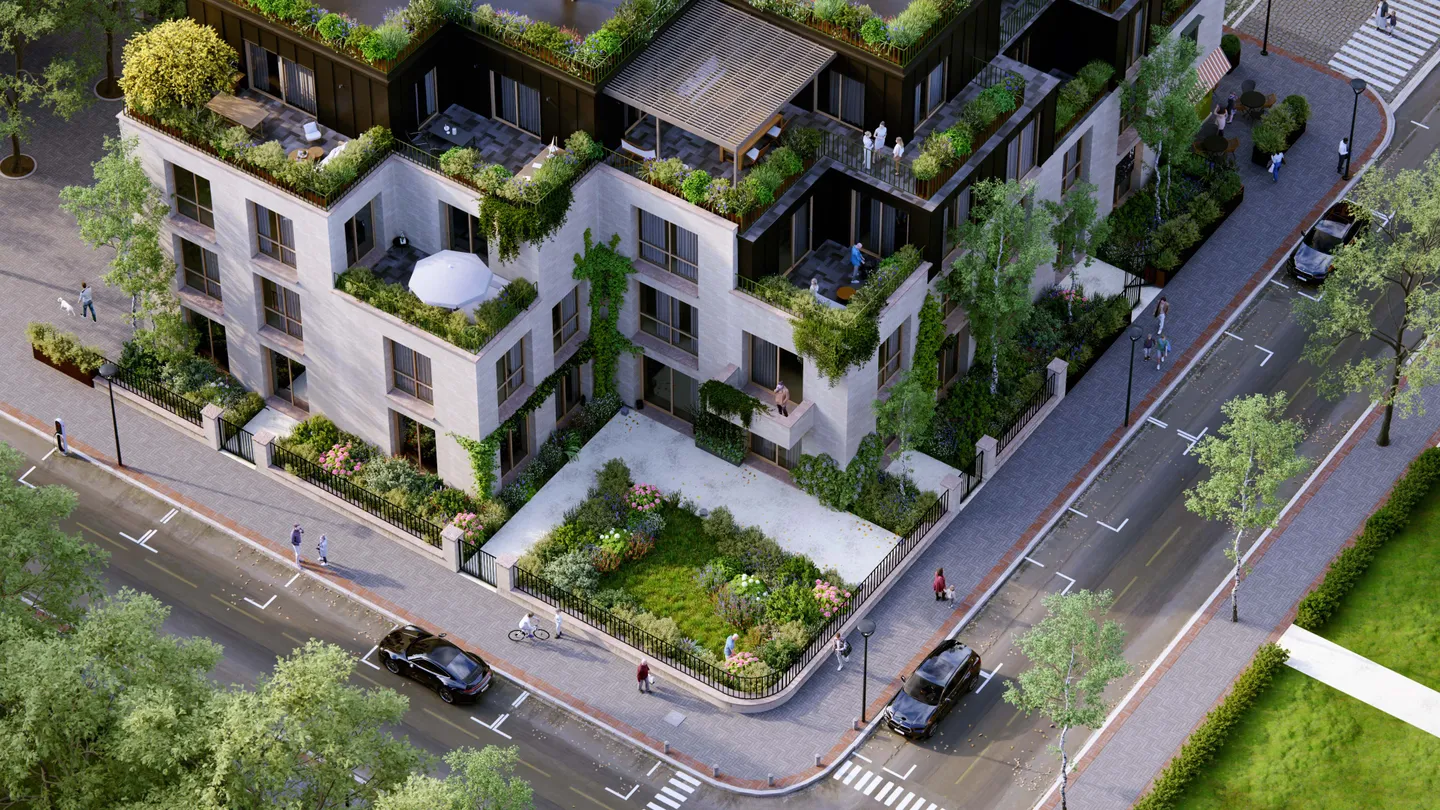
Visualize the design
Give your model context, light, and atmosphere so people can understand the space.
Explore →Visualize your ideas, refine with AI, and bring teams and clients from concept to sign-off.
Enhance images, generate materials, and explore visual directions in your browser. Included with every Lumion plan.
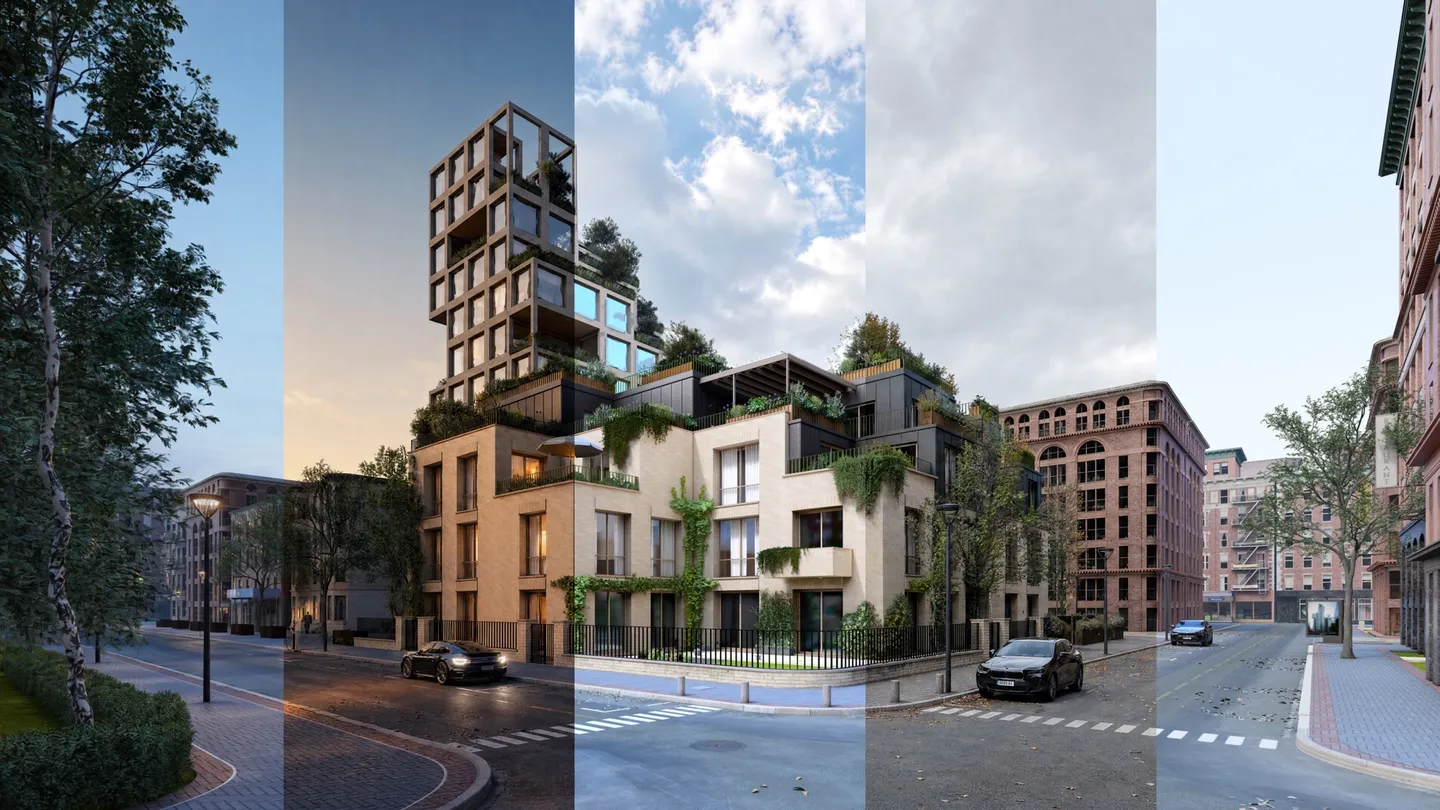
Keep your model, visuals, and project conversations moving together.
Give your model context, light, and atmosphere so people can understand the space.
Explore →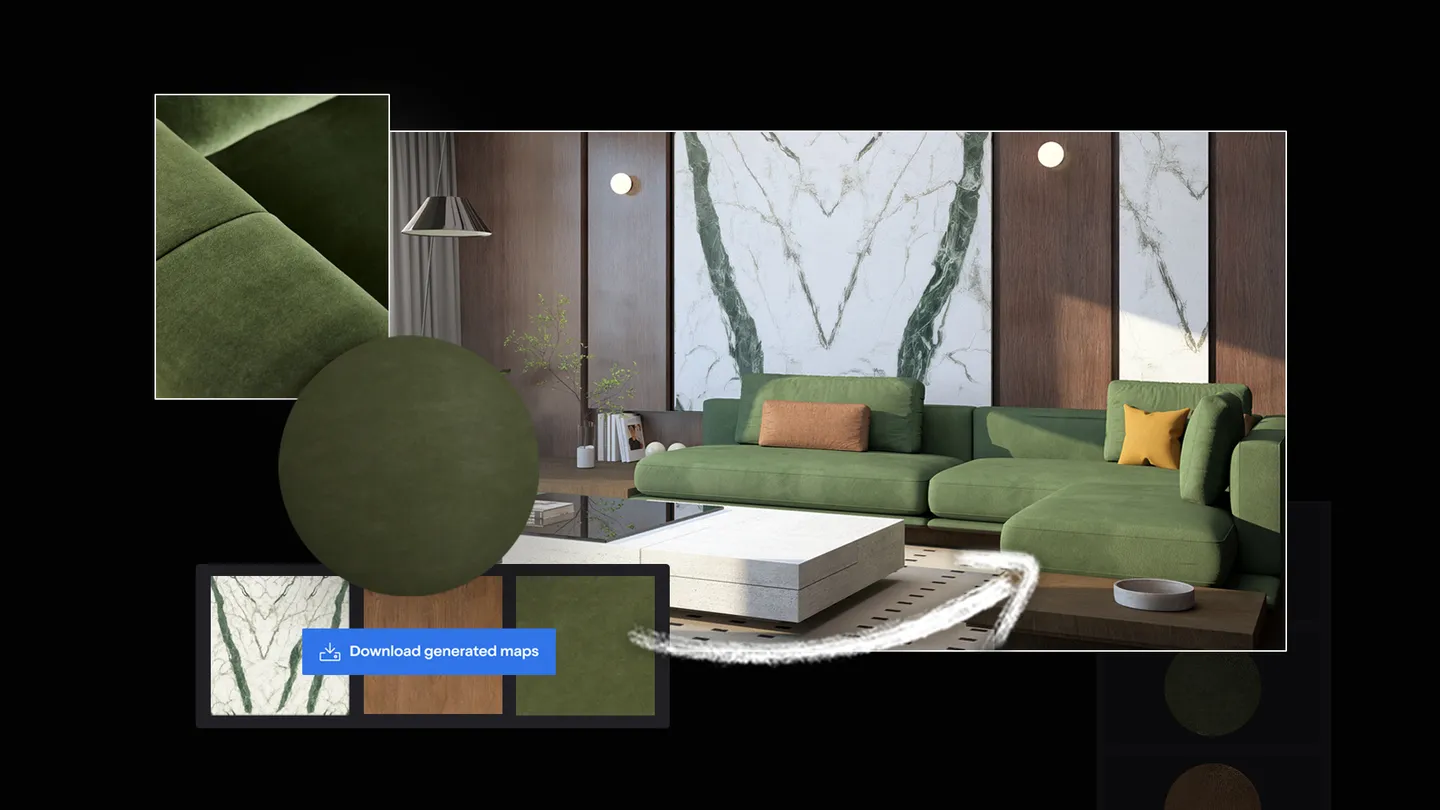
Prepare material maps, enhance images, and upscale outputs while you guide the result.
Explore →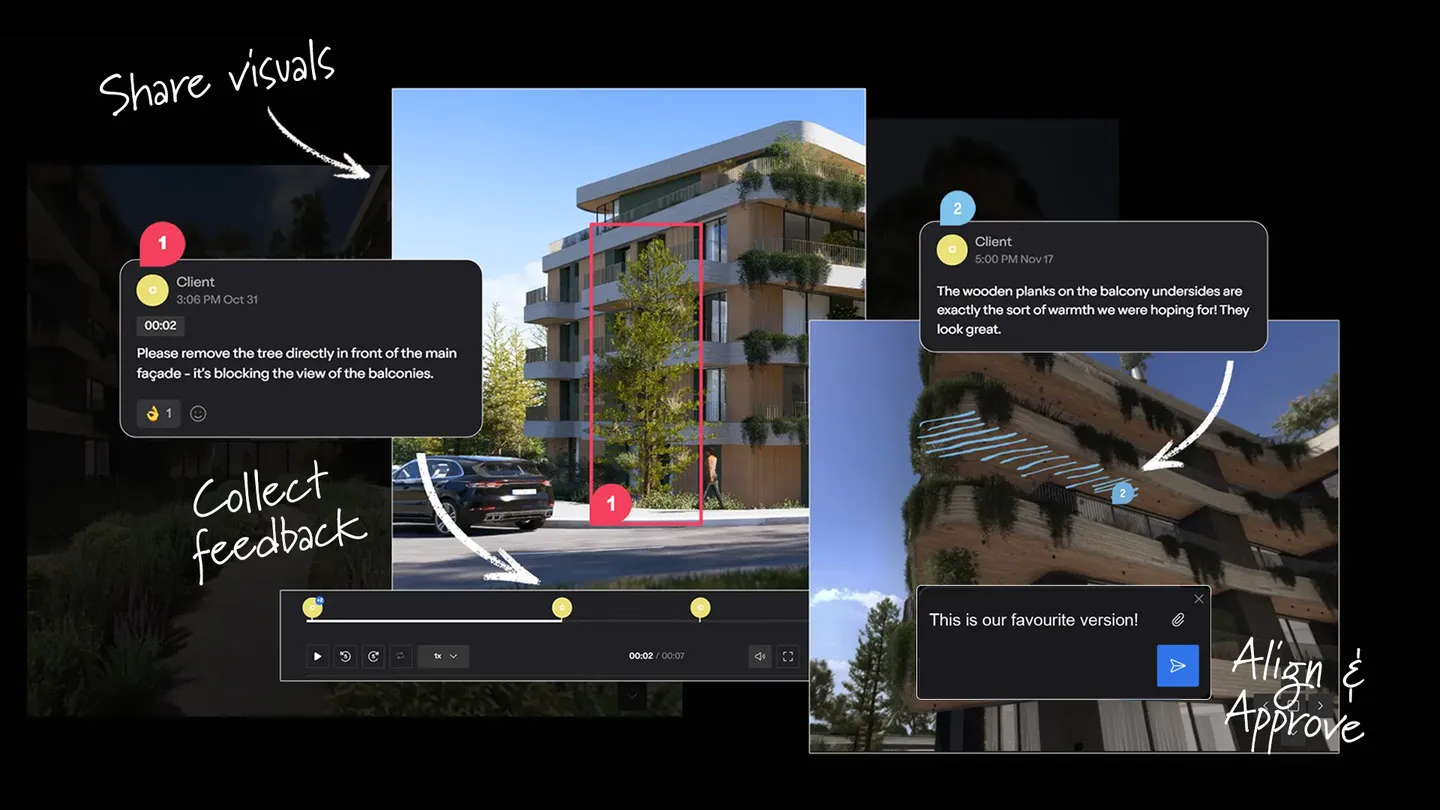
Share visual work, compare versions, and connect feedback to design decisions.
Explore →Explore the original stories from Lumion’s global community.
See how a practice uses visualization to respond to design changes and tight presentation schedules.
Read the original story →Explore a workflow that brings Lumion Pro into different stages of architectural design.
Read the original story →Discover projects where architecture, atmosphere, and landscape come together.
Read the original story →Explore how visual iteration supports design exploration and project communication.
Read the original story →Build the scene around your architecture. Work with context, lighting, materials, and flexible outputs for each stage of the project.
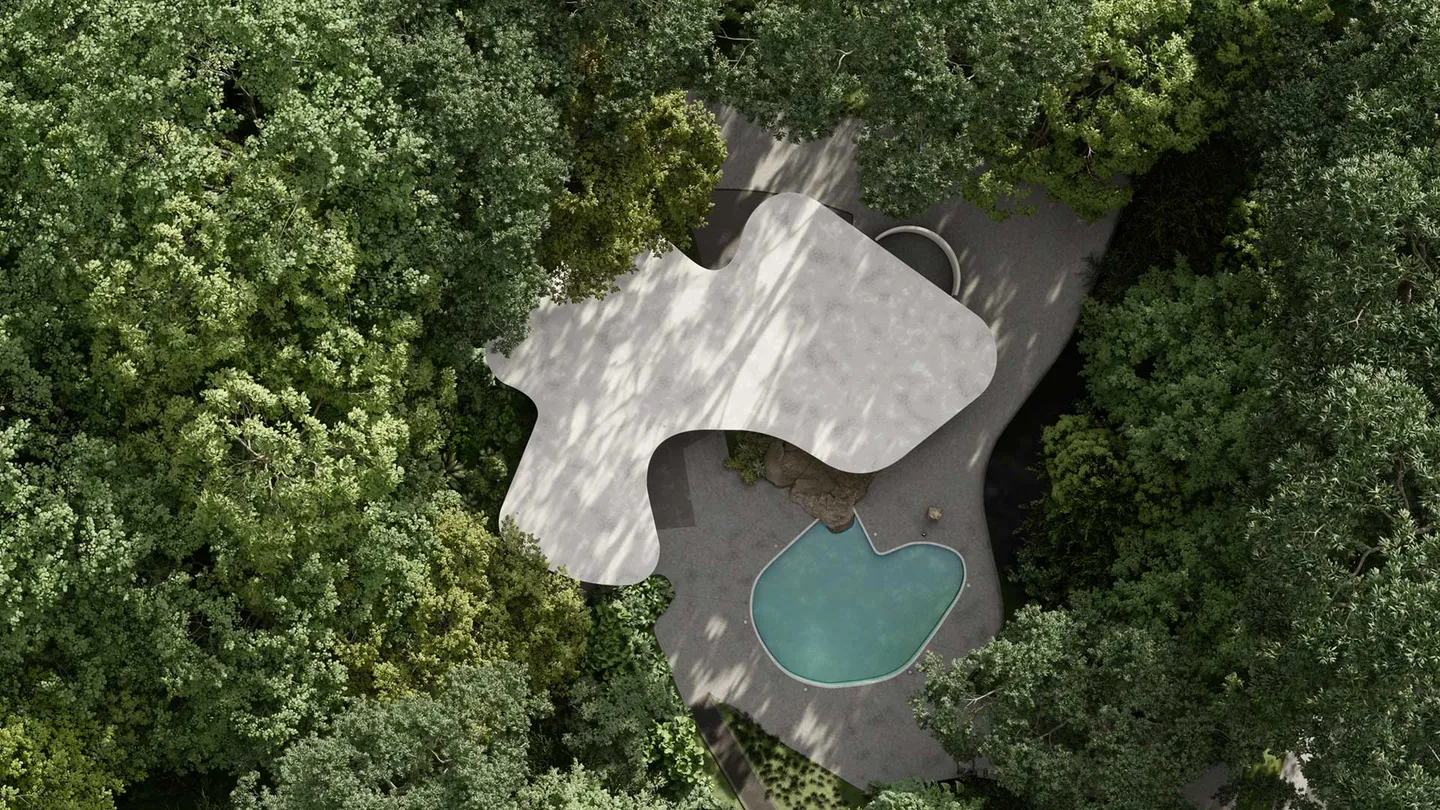
Shape the way your design is understood as the project evolves.
Connect supported CAD and BIM applications with free LiveSync plugins. Explore integrations →
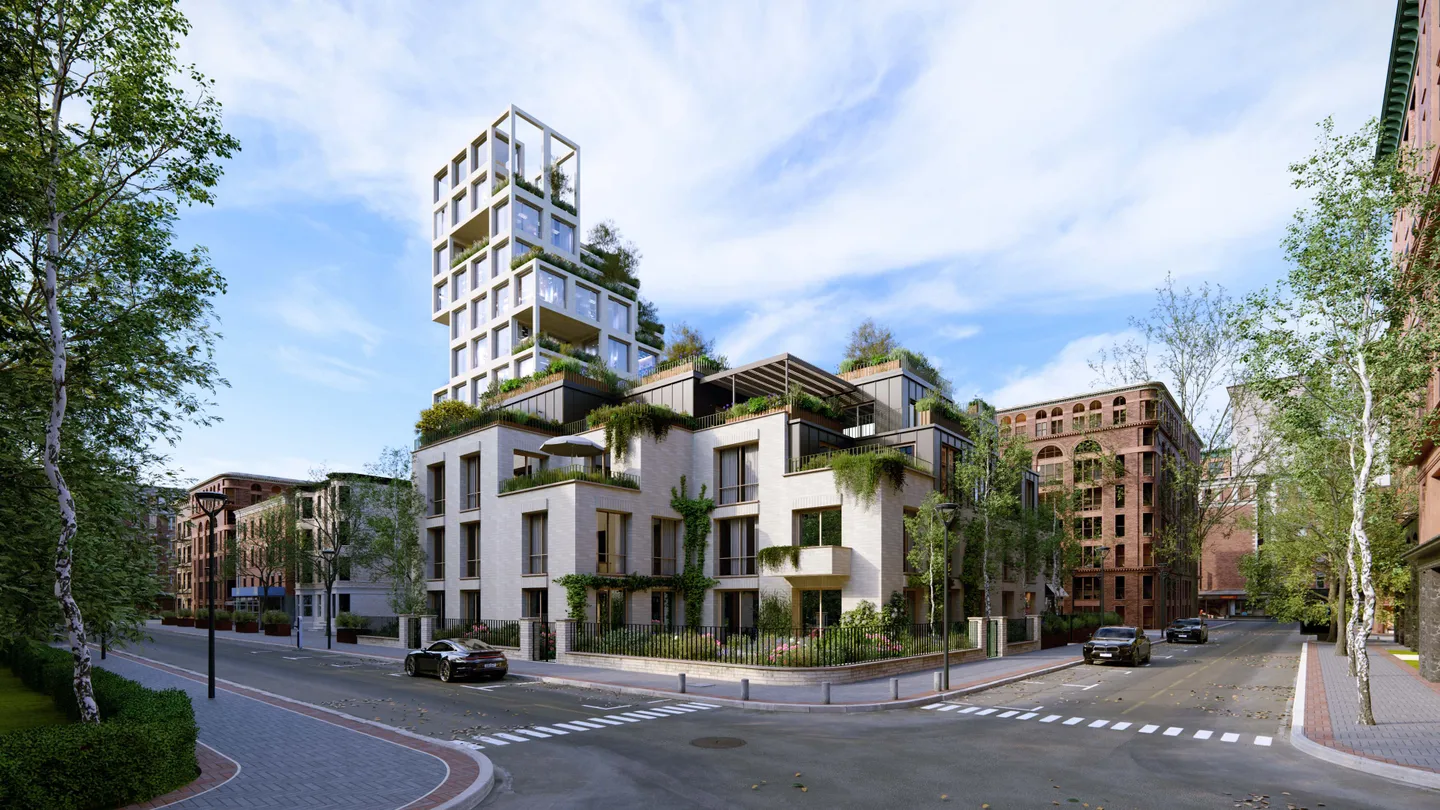
Build your scene with 10,000+ models and materials, nature, lighting, and atmospheric effects.
Develop effects stacks and presentation styles. Adjust weather, skies, and lighting to communicate your intent.
Produce still images, animations, and immersive 360° panoramas for review and presentation.
Keep working with the design tools you already know.
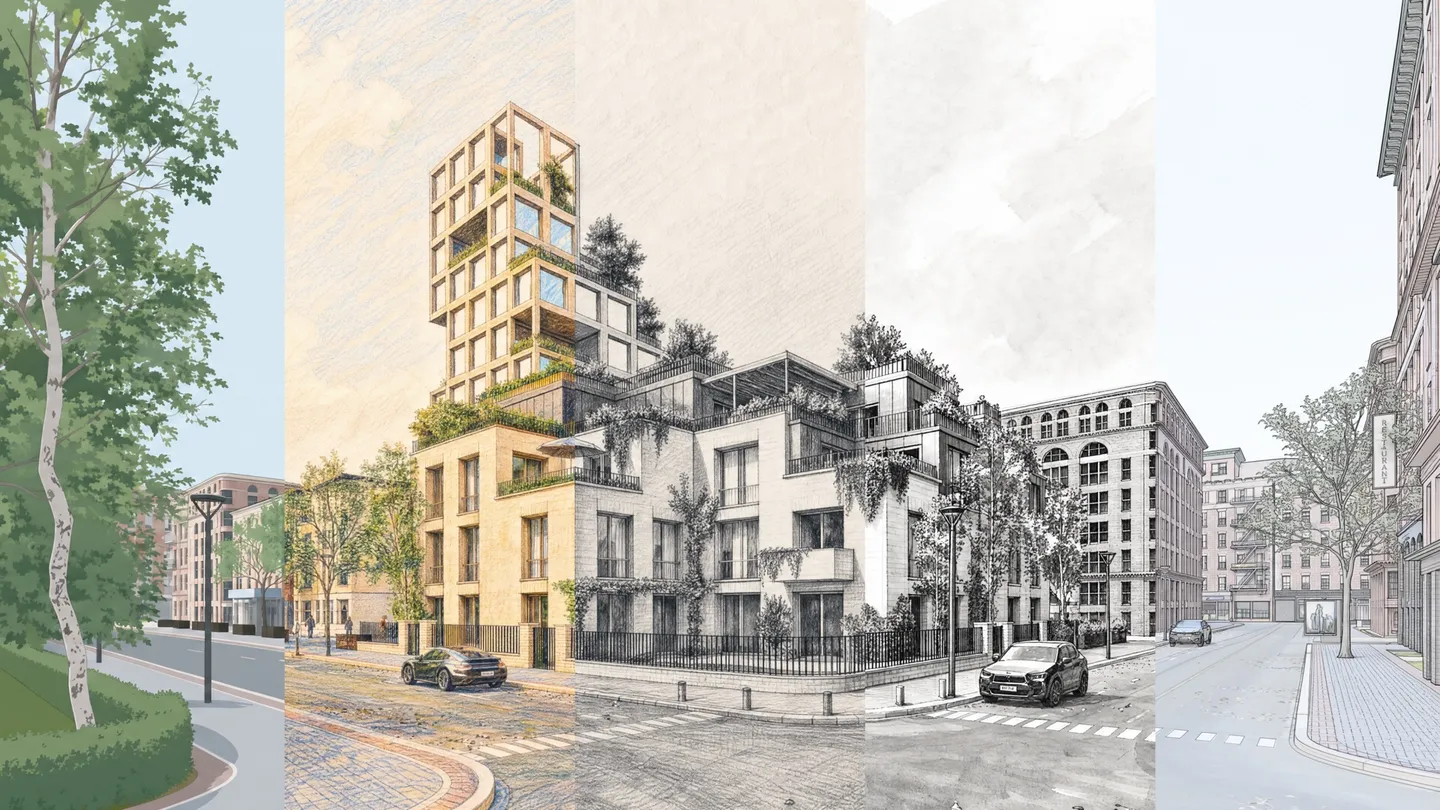
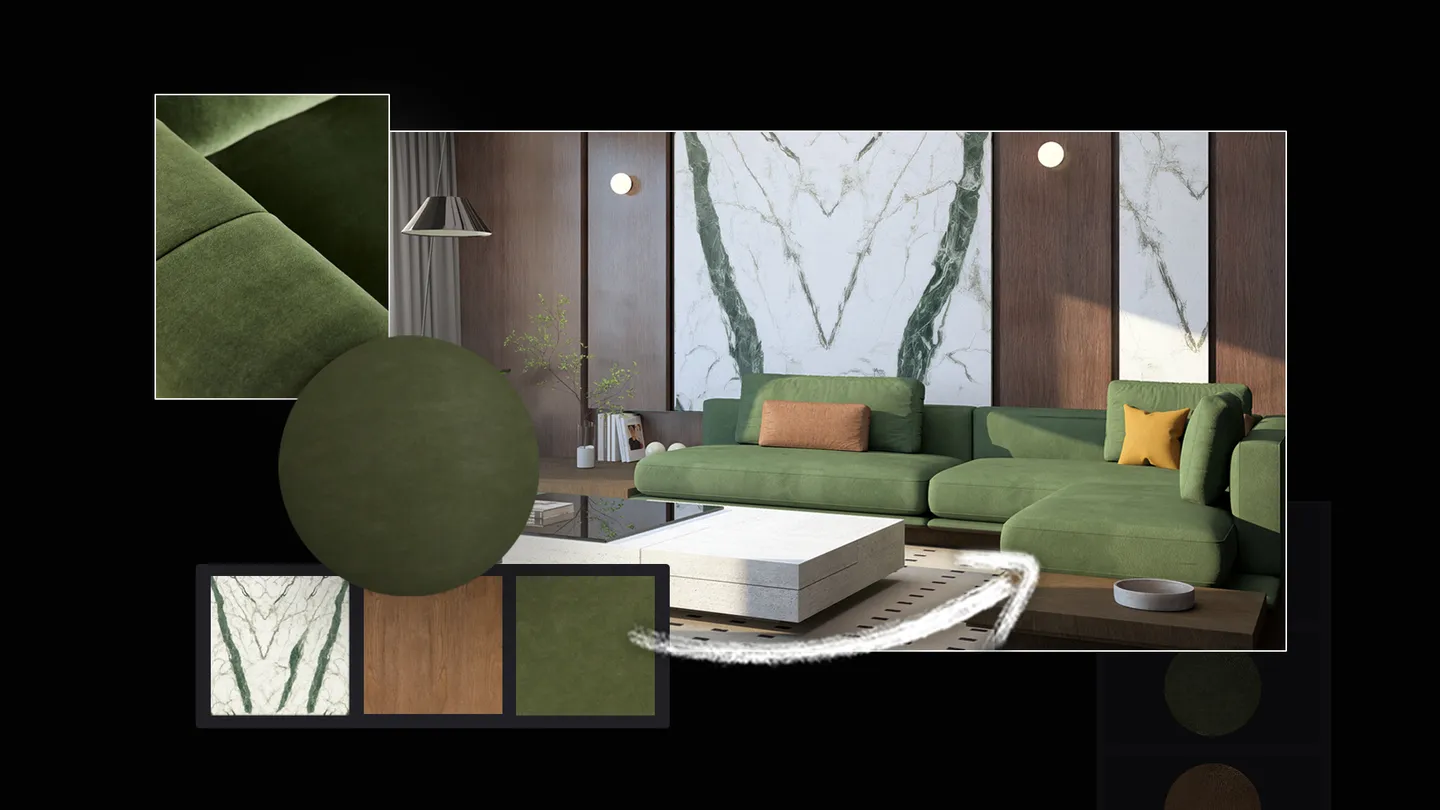
Create PBR maps from references, refine an existing image, and prepare higher-resolution outputs. Review each result and keep your design intent central.
Bring renders, comments, versions, and approvals into one place. Lumion Cloud is included with every Lumion plan.
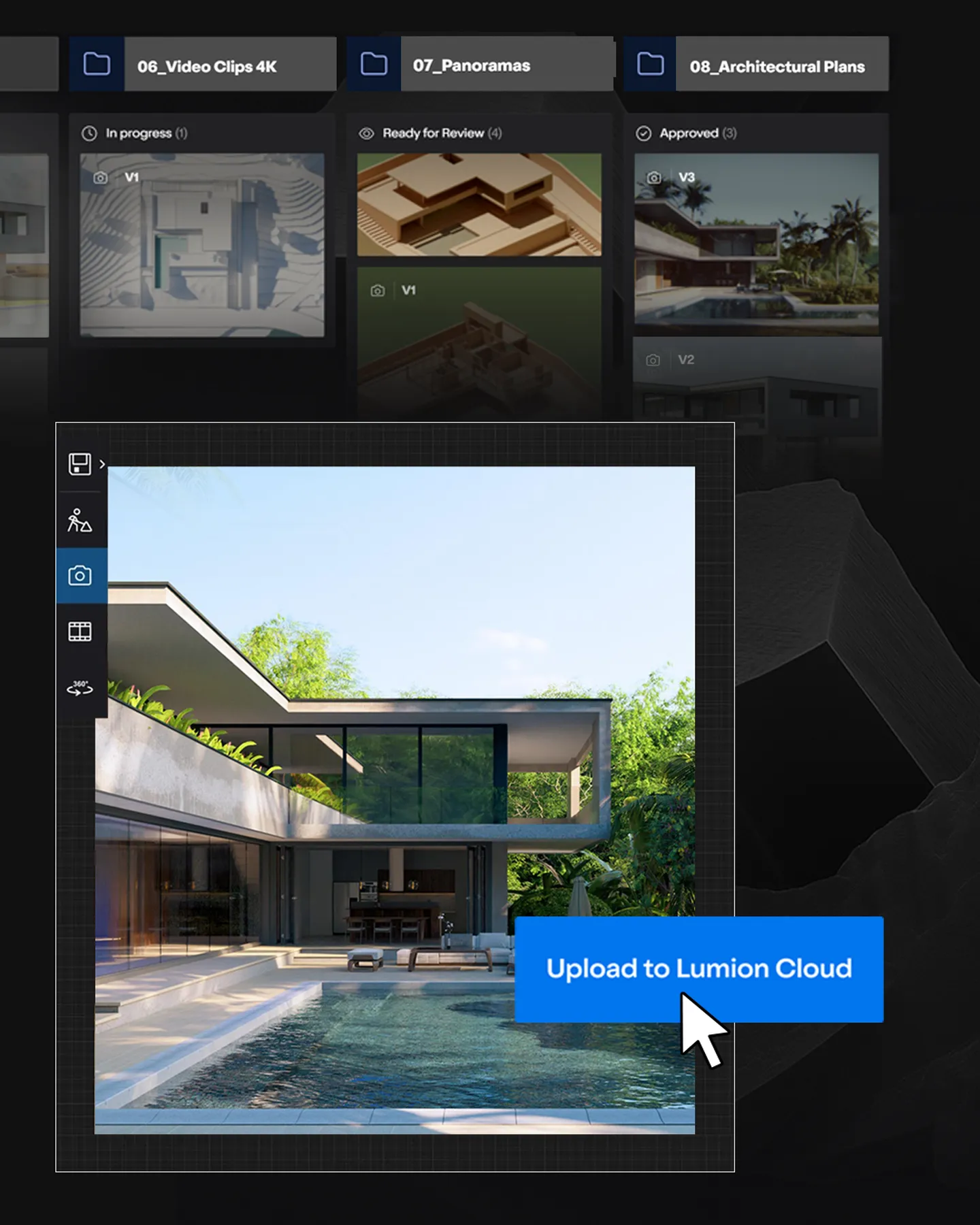
Organize architectural visuals by project.
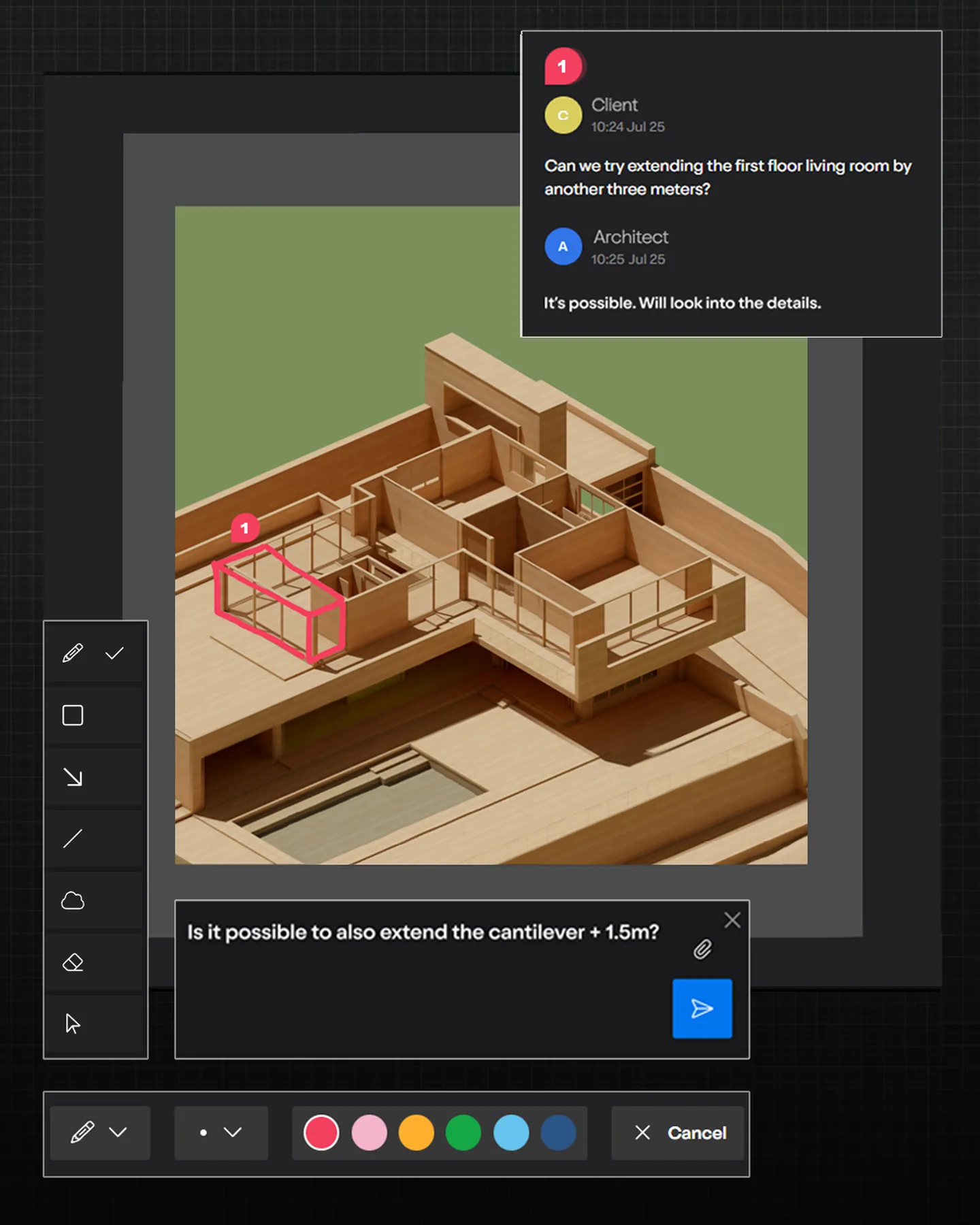
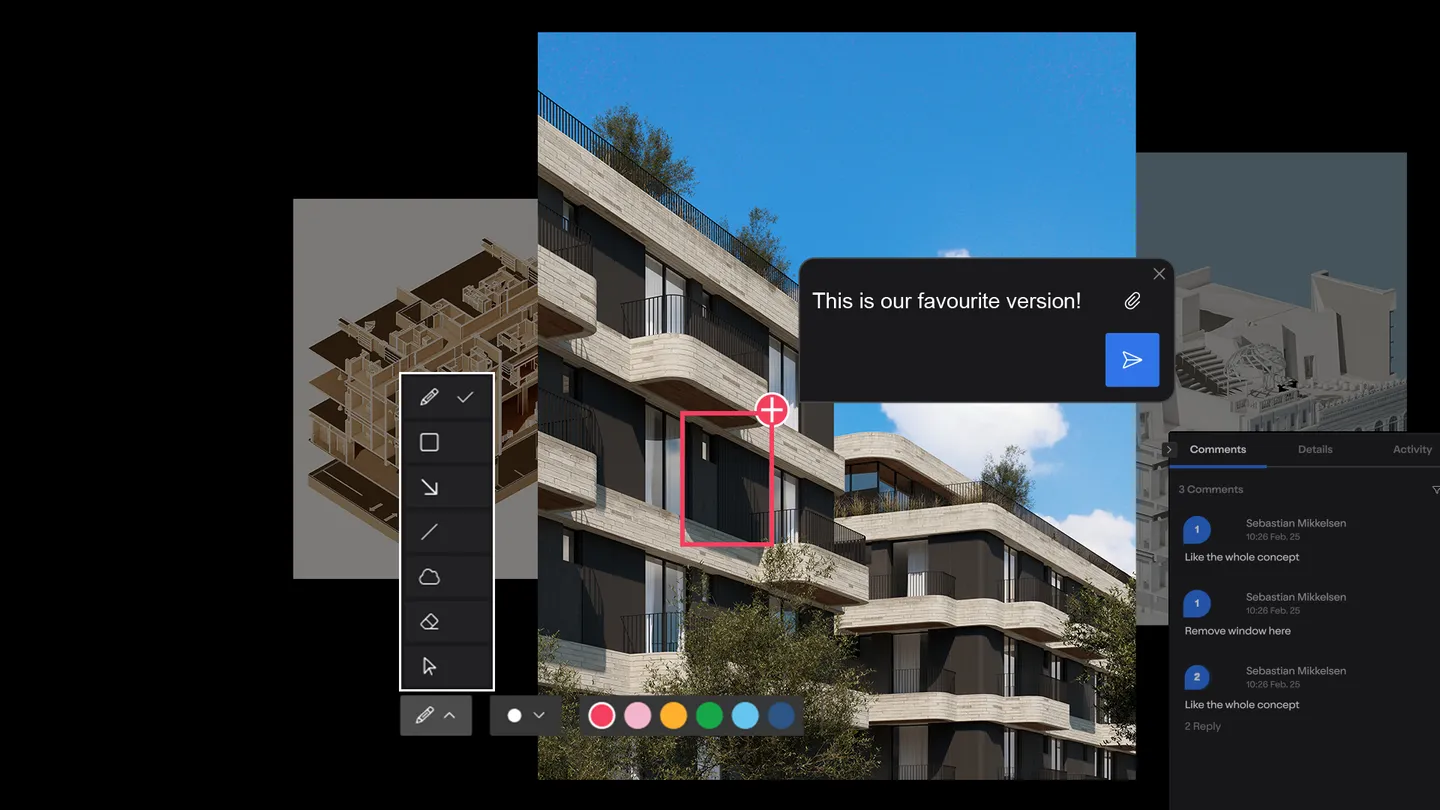
Keep feedback attached to the visual.
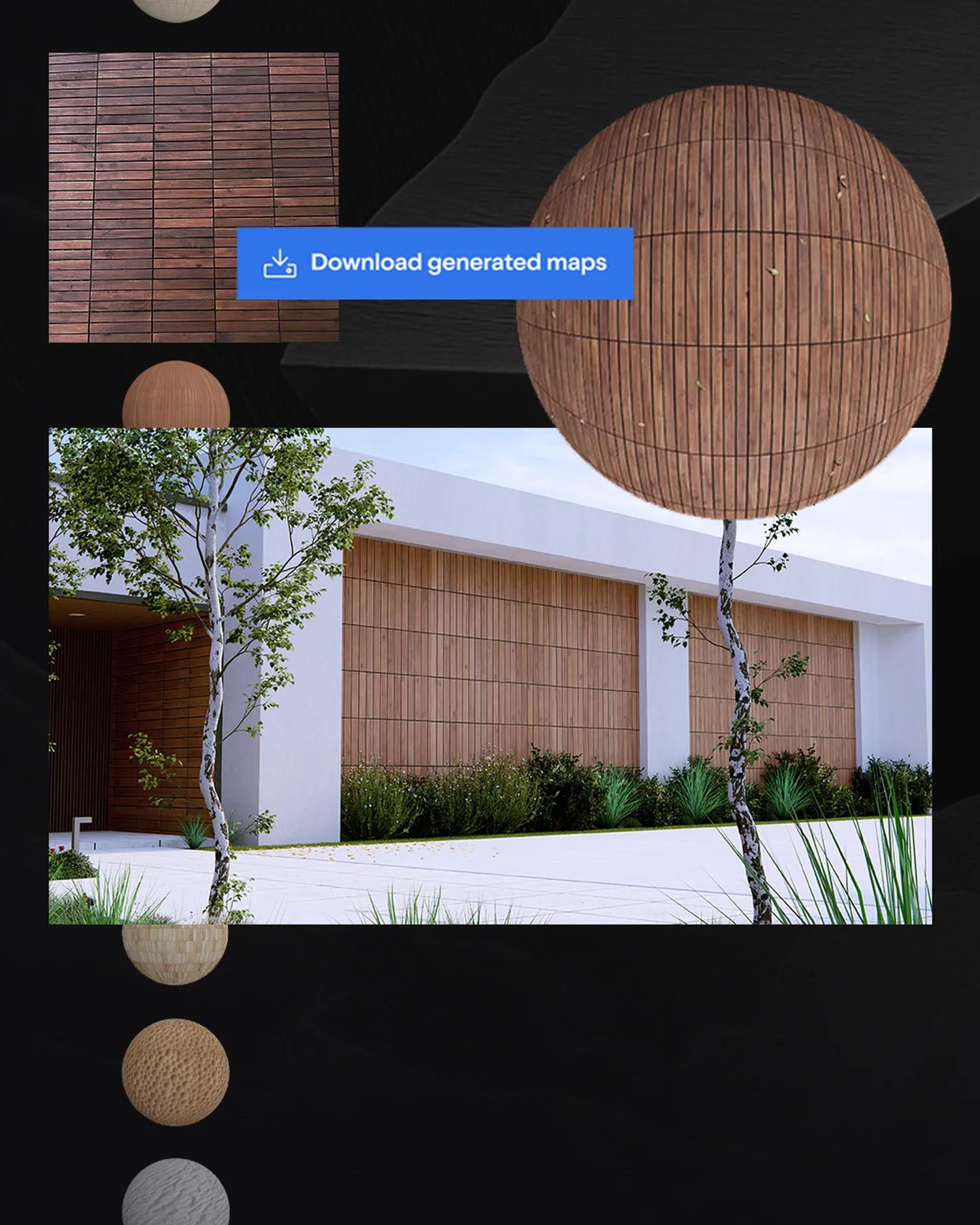
Create and refine in one browser workspace.
Keep review conversations together so teams can move toward approval.
Global projects and visual studies from the Lumion community.
Original creator credits are retained. These are not presented as local customer projects.
Explore new perspectives, communicate your intent, and move your design forward.



 25 Aug 2026 · Product news
 14 Jul 2026 · Product news
 26 Mar 2026 · Guides