Axogram by Lumion
Diagram as you design
Explain the thinking behind your architecture with live diagrams connected to your CAD or BIM model.

Keep your ideas moving
Work in SketchUp, Revit, or Archicad and develop diagrams alongside your evolving model. Explore viewpoints and revisit saved views as the project changes. Currently available for supported versions of these applications on Windows; check the official requirements before installation.

What do you need to explain?
Create sequence, context, section, and circulation diagrams. Reveal how a building responds to its surroundings and how people move through it.
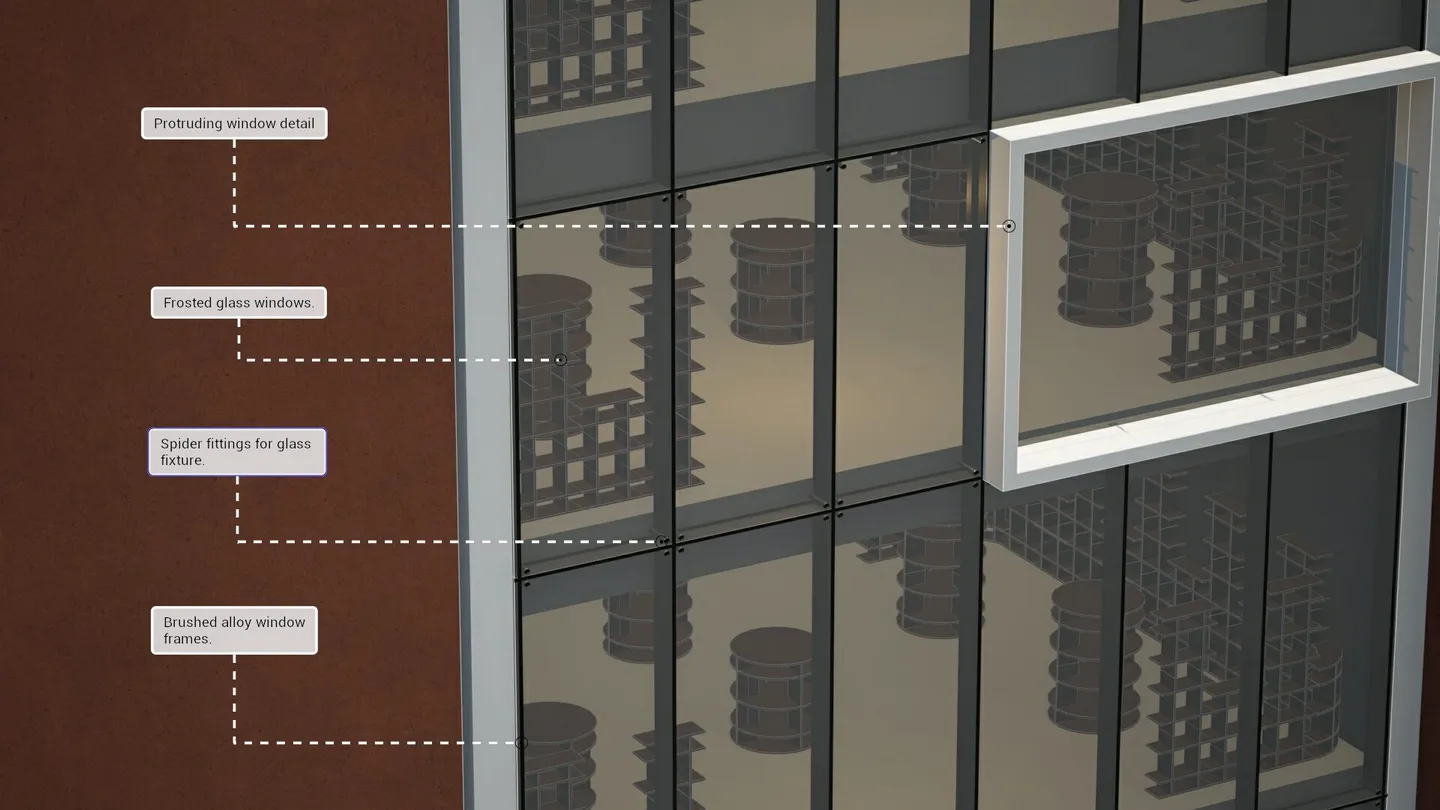
What do you need to explain?
Sequence diagrams
Explain the stages of a design or construction sequence.
Context diagrams
Show how a proposal relates to its site and surroundings.
Section diagrams
Describe the relationship between levels, spaces, and structure.
Circulation diagrams
Reveal movement through and around the project.
Make the important parts visible
Choose from eight architectural styles. Combine treatments with Style Mixer, and use Action Shapes for arrows, paths, flow lines, and zones.
Style your diagrams
Choose from eight styles: Blueprint, Clay, Dual Tone, Ink, Polar, Realistic, Soft Vibe, and Wood. Browse six examples from the official product page.
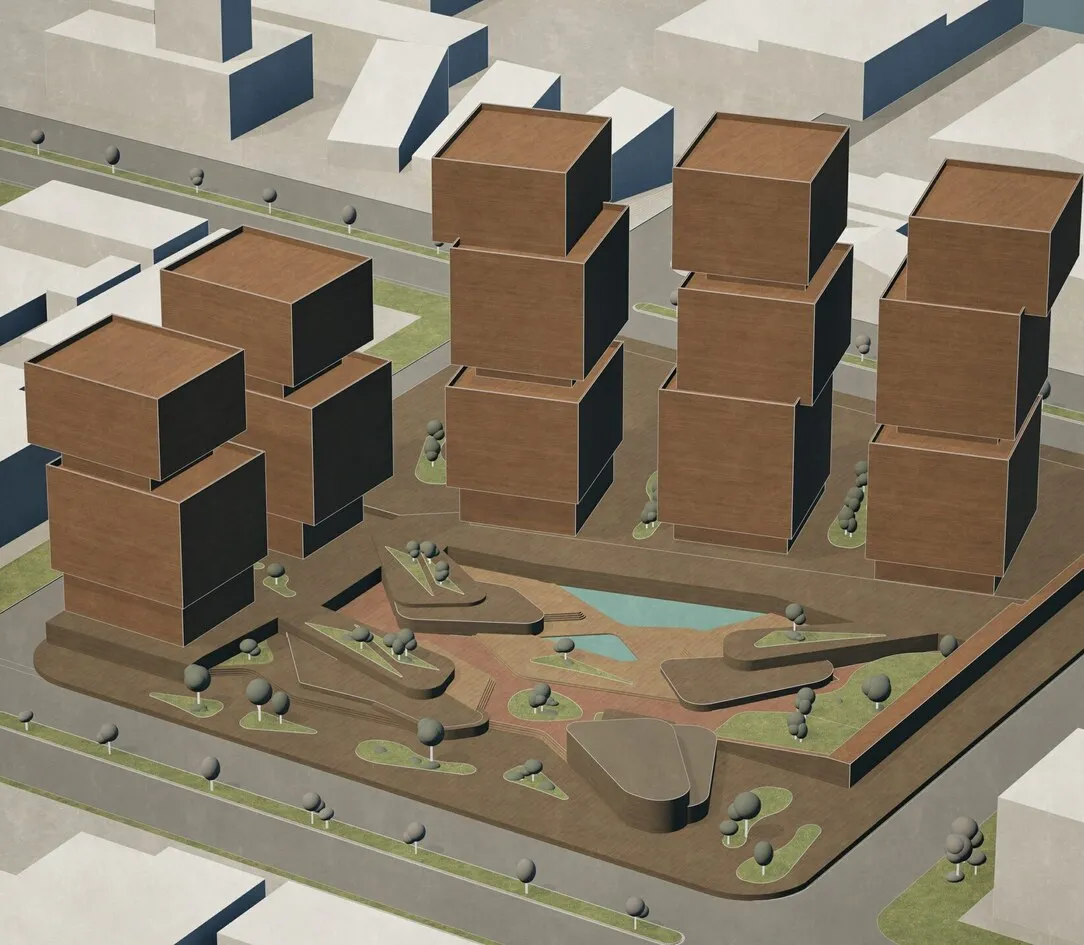
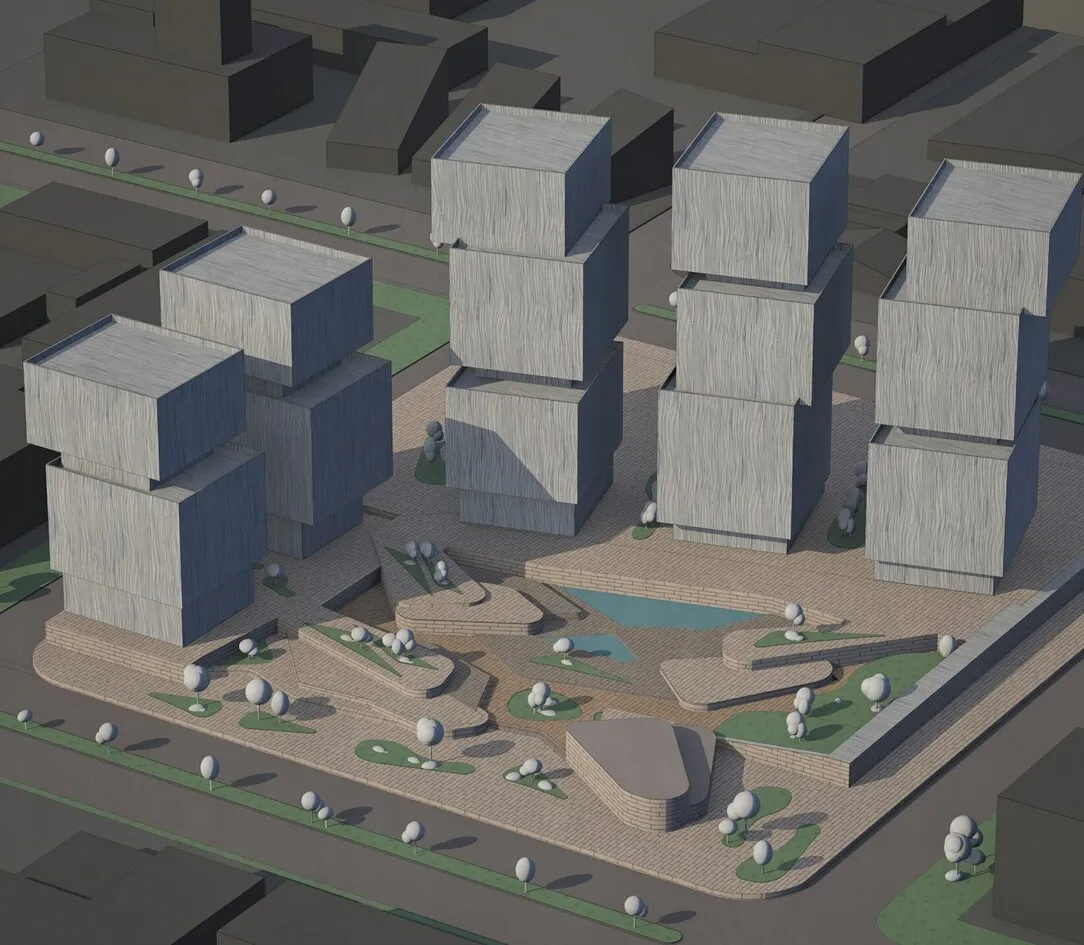
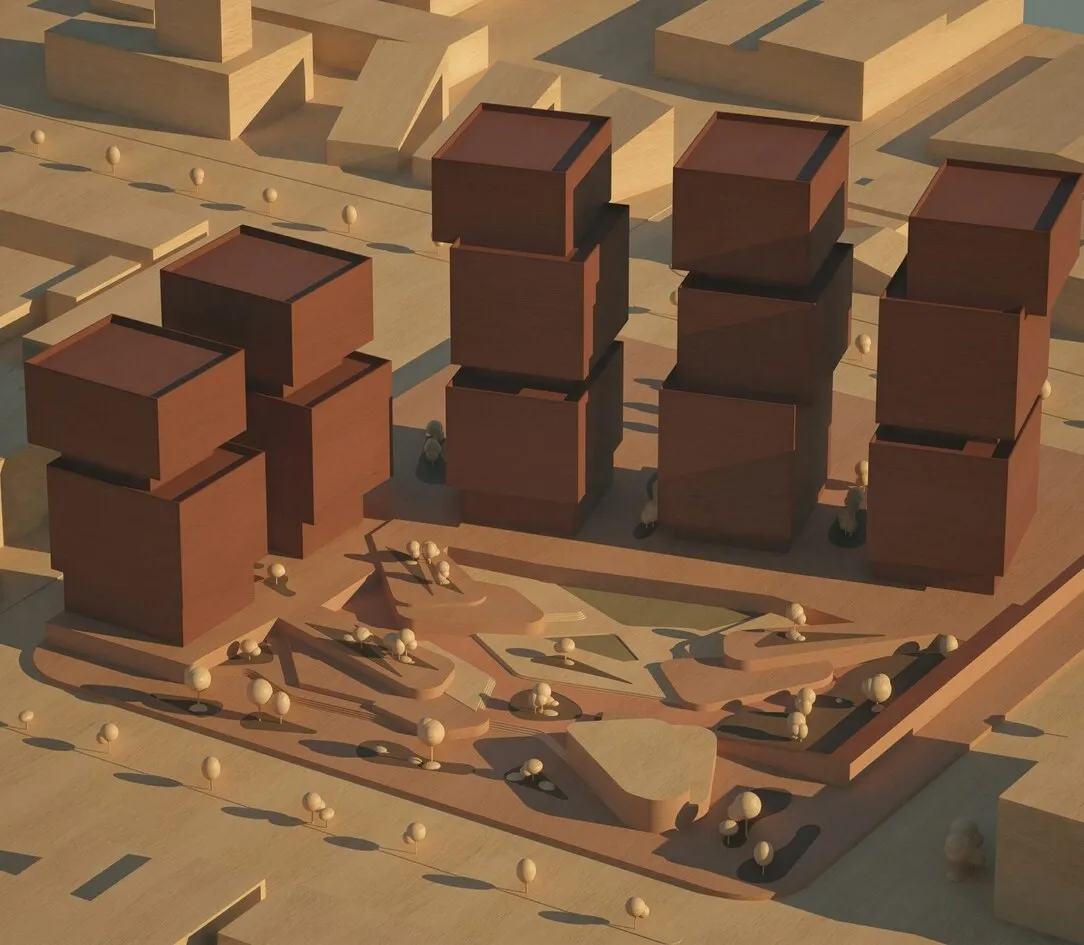
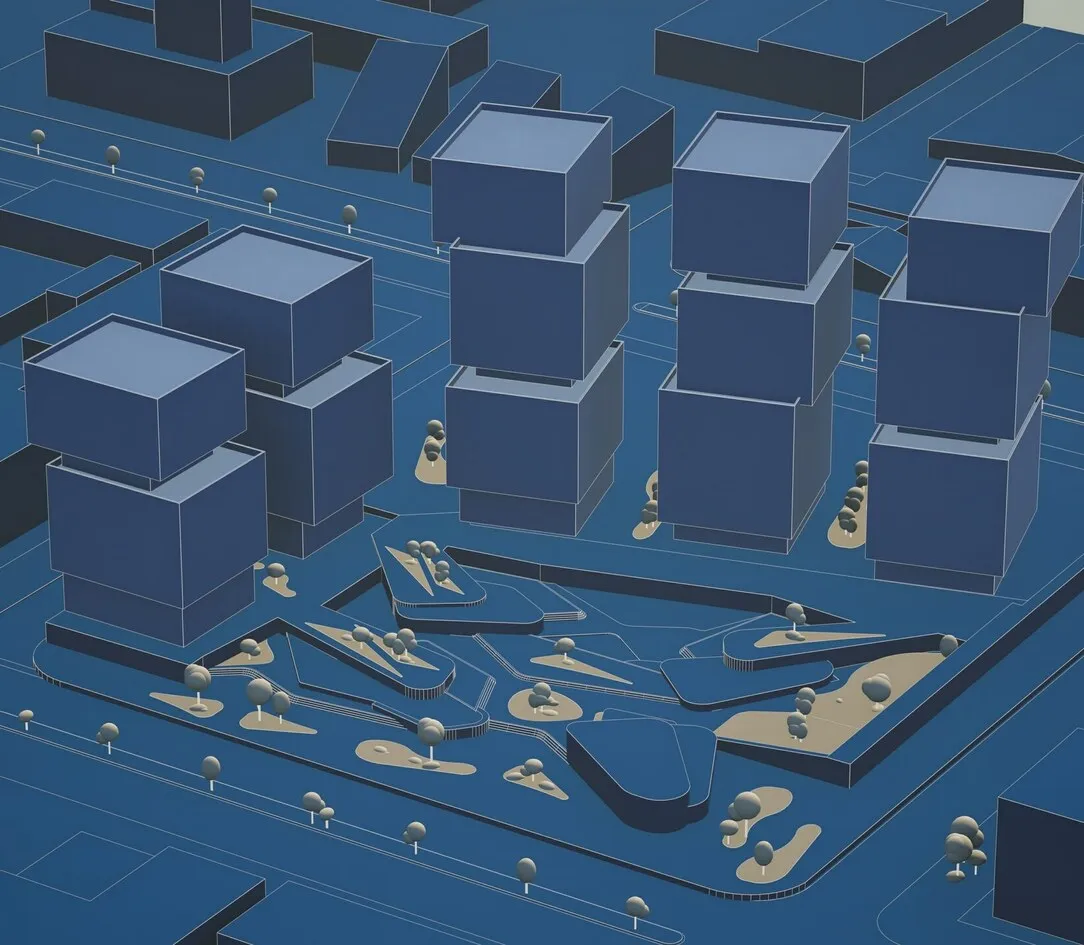
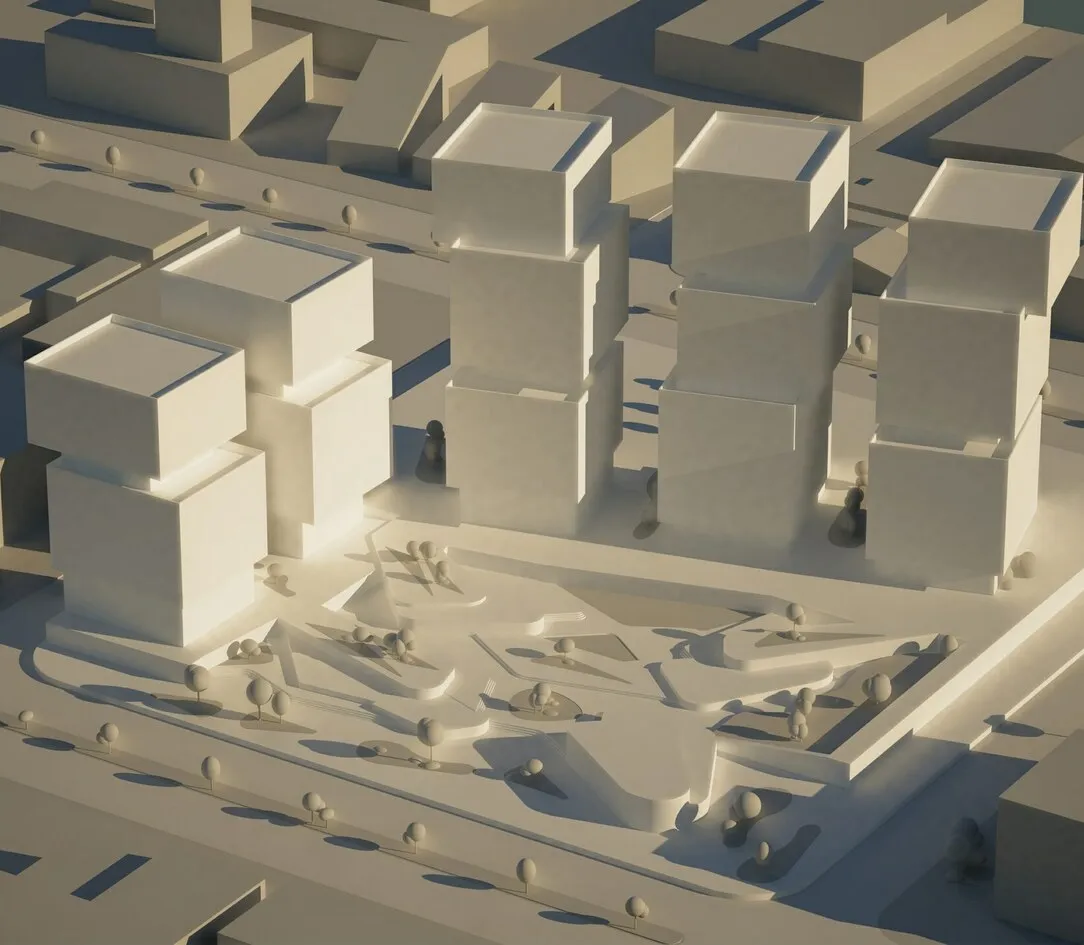
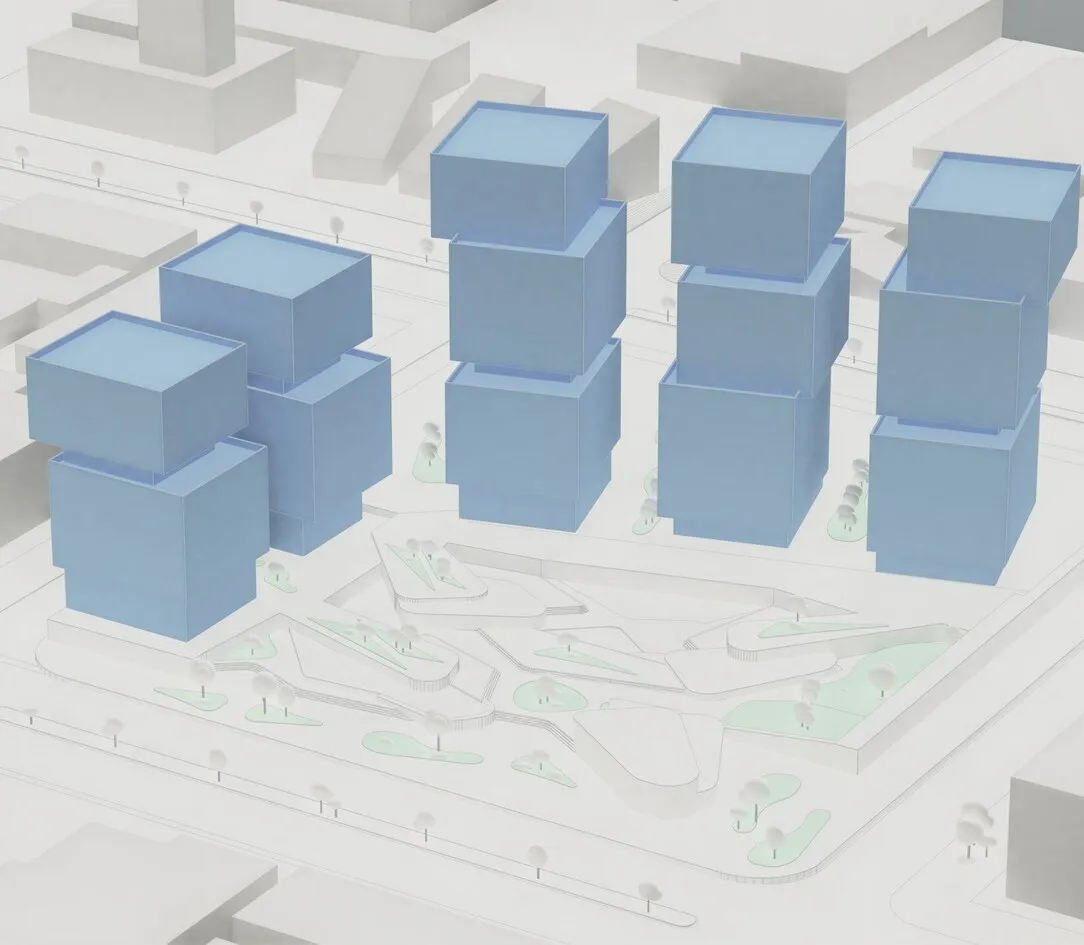
Add clear context
Use anchored annotations, labels, and markers to explain your model. Add zones to show spatial relationships, and use sunlight, shadows, and backgrounds to make the form easier to read.
Give the conversation a starting point
Create presentation-ready diagrams, including transparent PNG outputs on supported plans. Publish to Lumion Cloud, gather contextual feedback, compare versions, and guide the project toward approval.
Start free. Expand when you need to.
Axogram Free provides up to five saved diagram views and HD renders. Paid named-user plans support unlimited diagrams at up to 4K, with one-year and three-year options. Request an quotation for paid licensing.
Common questions
Which applications are supported?
Axogram currently supports SketchUp, Revit, and Archicad on Windows. SketchUp for macOS is listed as coming soon. Verify current application versions through official requirements.
Does it alter the original model?
Diagram styling and graphical elements use a non-destructive workflow. Geometry and original materials remain available as your design develops.
Do I need Lumion Pro to use Axogram?
No. Axogram is available separately, with free and paid plans. Pro supports detailed rendering, while Axogram focuses on architectural diagrams.
How do I get the plugin?
Use the official Axogram download choices. Plugin installers and accounts are handled by Lumion.
Built around your workflow
Explore compatibility, licensing, and the resources to get started.



Explore the official product information
Feature availability and service limits can change. Visit Lumion for the complete current specification and licensing conditions.
Official Axogram pageAn extension of your imagination
Explore new perspectives, communicate your intent, and move your design forward.